
Codes generated locally
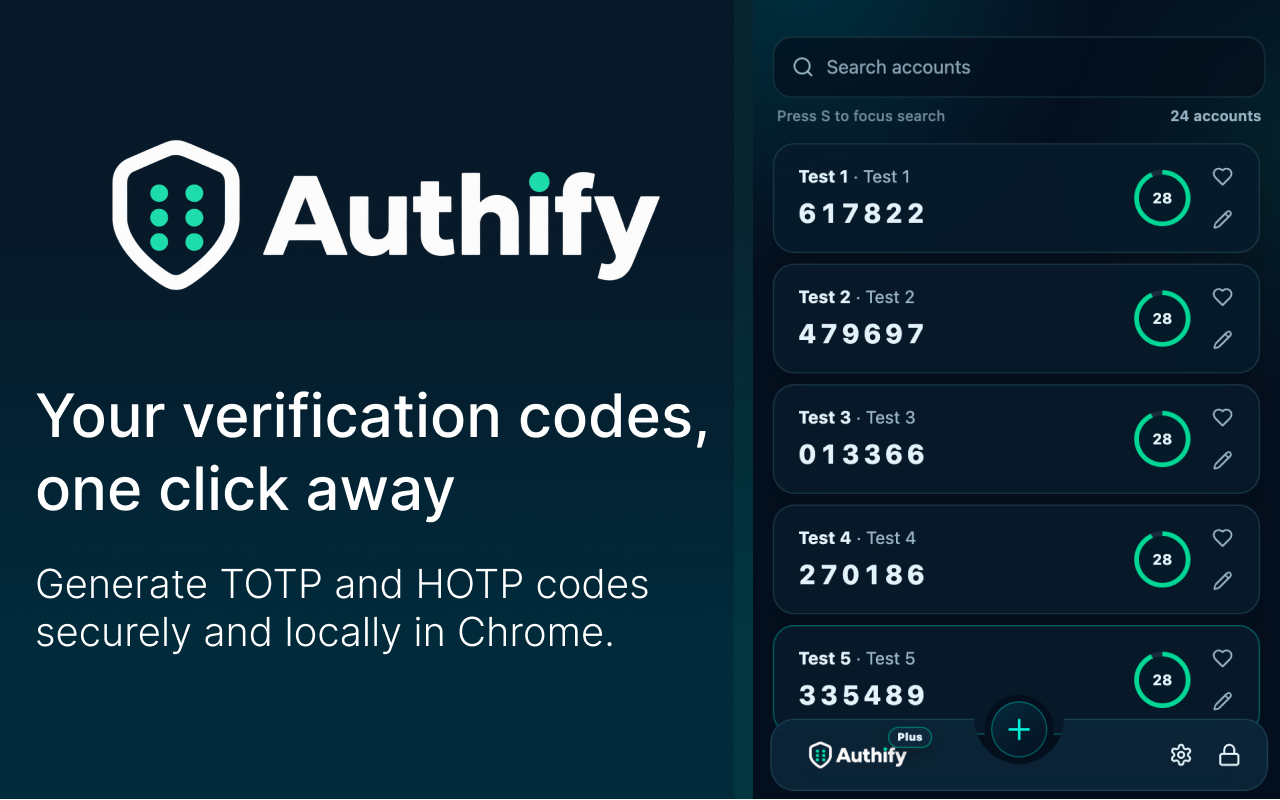
Generate TOTP and HOTP verification codes inside Chrome without sending authenticator secrets to Authify servers.
Privacy-first authenticator
Authify is a two-factor authenticator for Chrome with an encrypted local vault, fast QR imports, and optional password-encrypted backups.
Built for everyday security
Generate TOTP and HOTP verification codes inside Chrome without sending authenticator secrets to Authify servers.
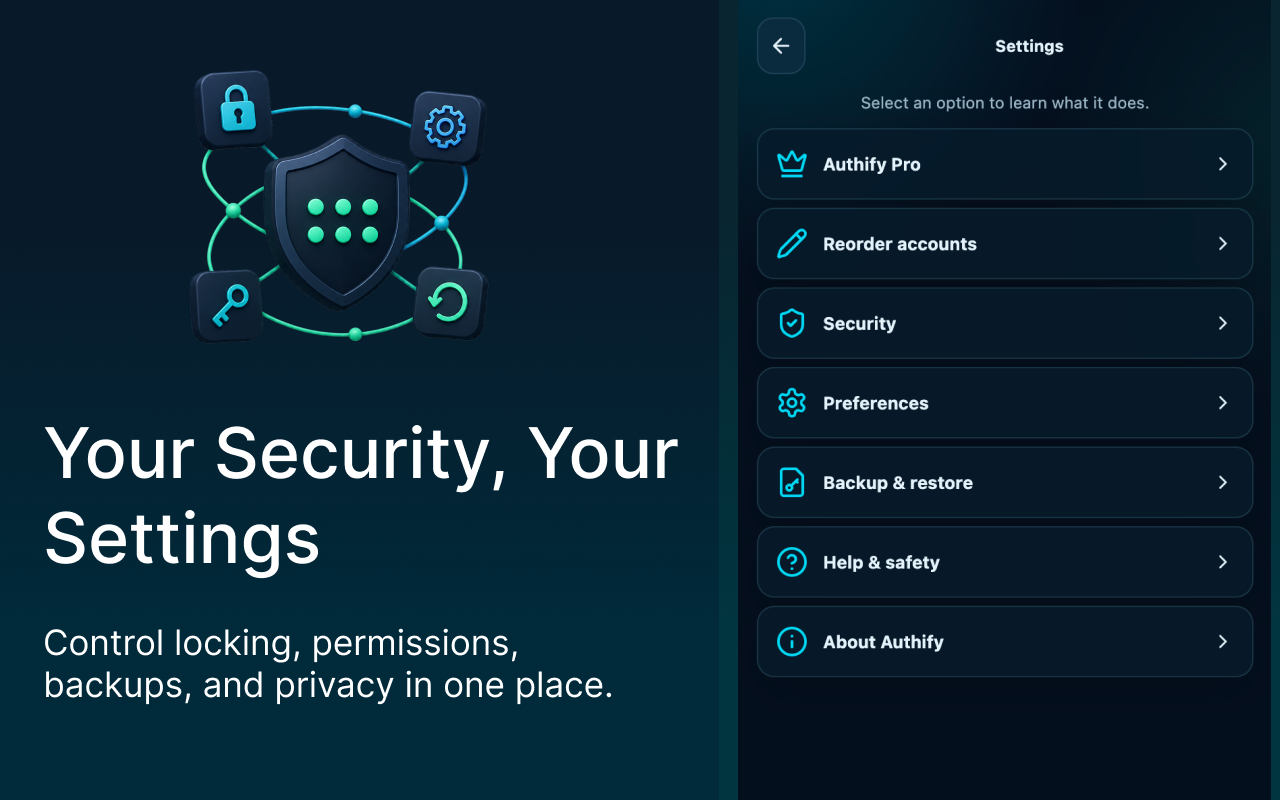
Protect accounts with a master password and authenticated encryption. Your master password cannot be recovered.
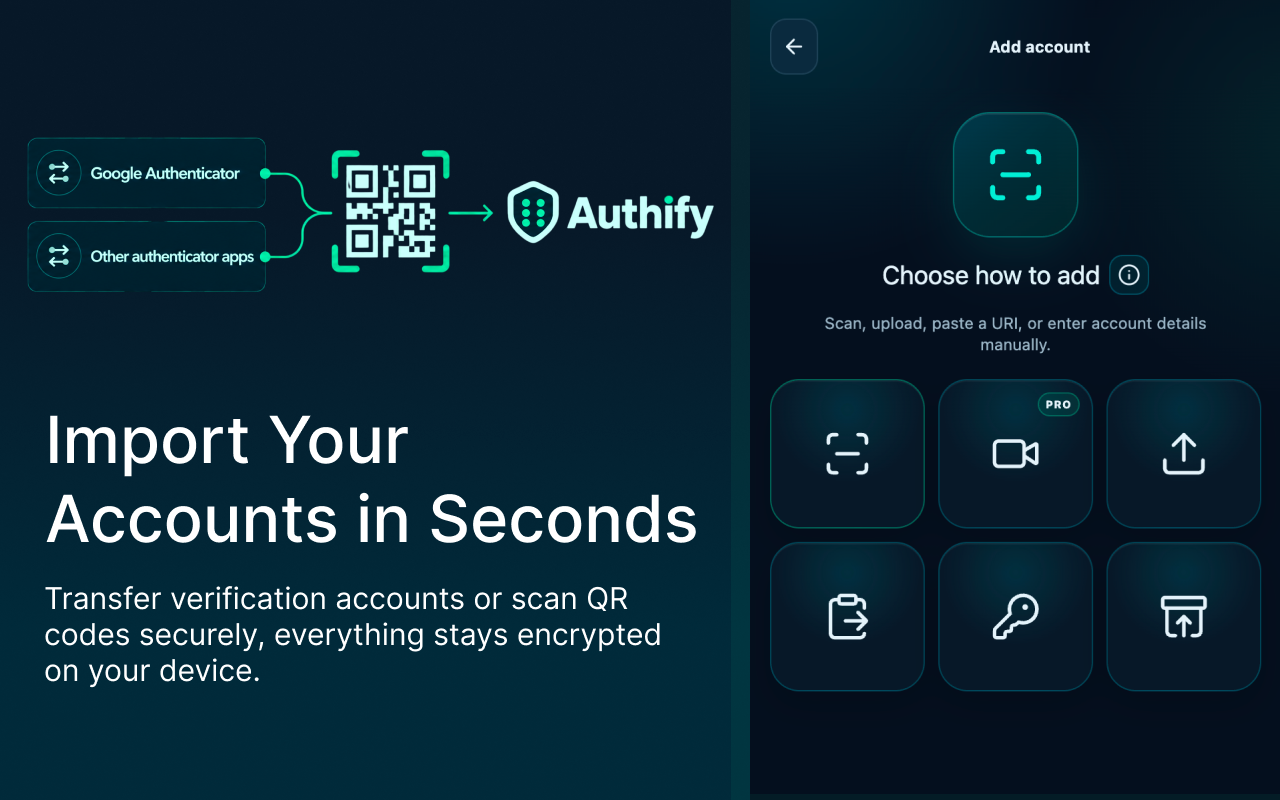
Scan, upload, paste, enter manually, or transfer multiple authenticator accounts with QR codes.
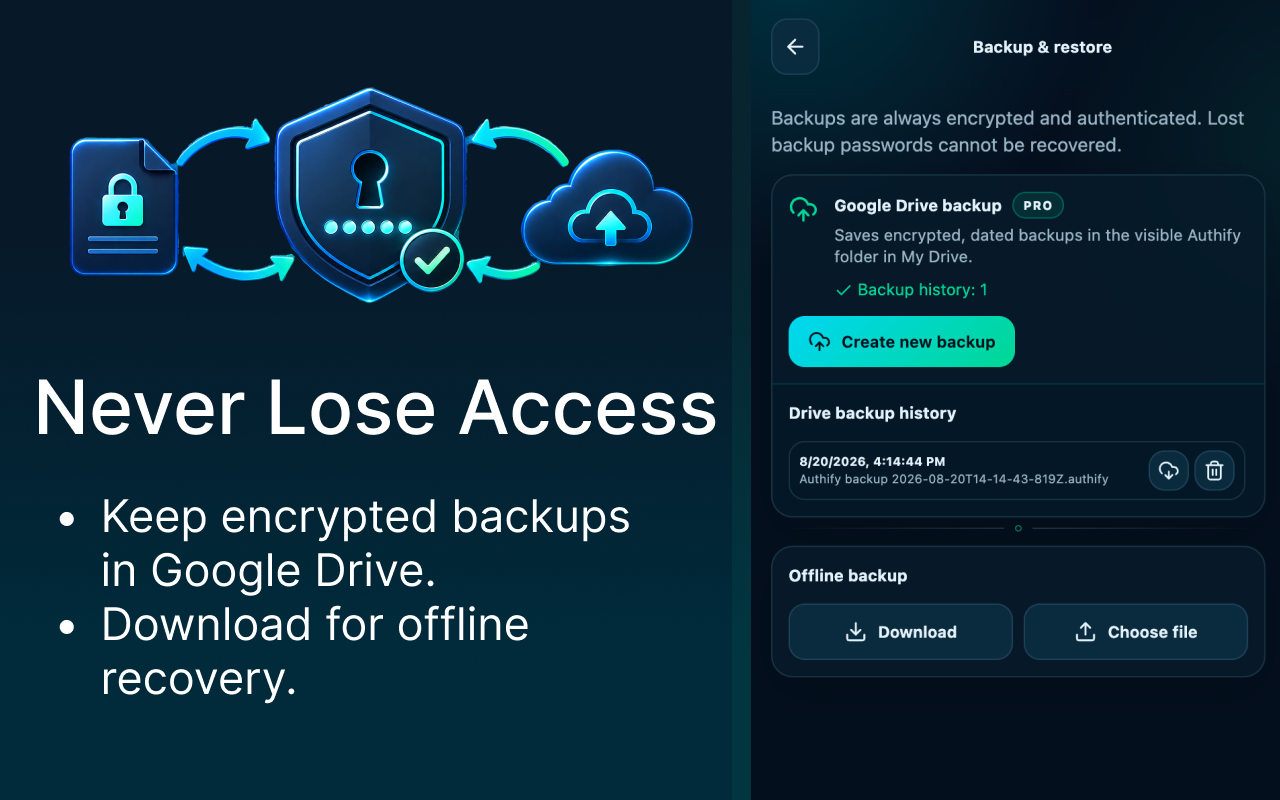
Download password-encrypted backups or optionally save encrypted backup files to your Google Drive.
Use your camera only when you choose to scan a QR code. Camera frames stay on your device.
Authify requests browser capabilities only when they support a feature you choose to use.
Google Drive transparency
Google Drive backup is optional and begins only when you request it. Authify encrypts the backup before uploading it.
Authify uses the Google Drive drive.file permission, limiting access to files Authify creates or files you explicitly grant it. Authify cannot browse arbitrary files in your Drive.
The use of information received from Google APIs adheres to the Google API Services User Data Policy, including the Limited Use requirements.
Read the complete Privacy Policy →Ready when you are